Interactive concept · Sample data
Business ERP with an embedded assistant
Sales, purchasing and finance share one working picture. Review the assistant’s sources before turning a suggestion into a draft.
Open full demo ↗Explore freely with sample data
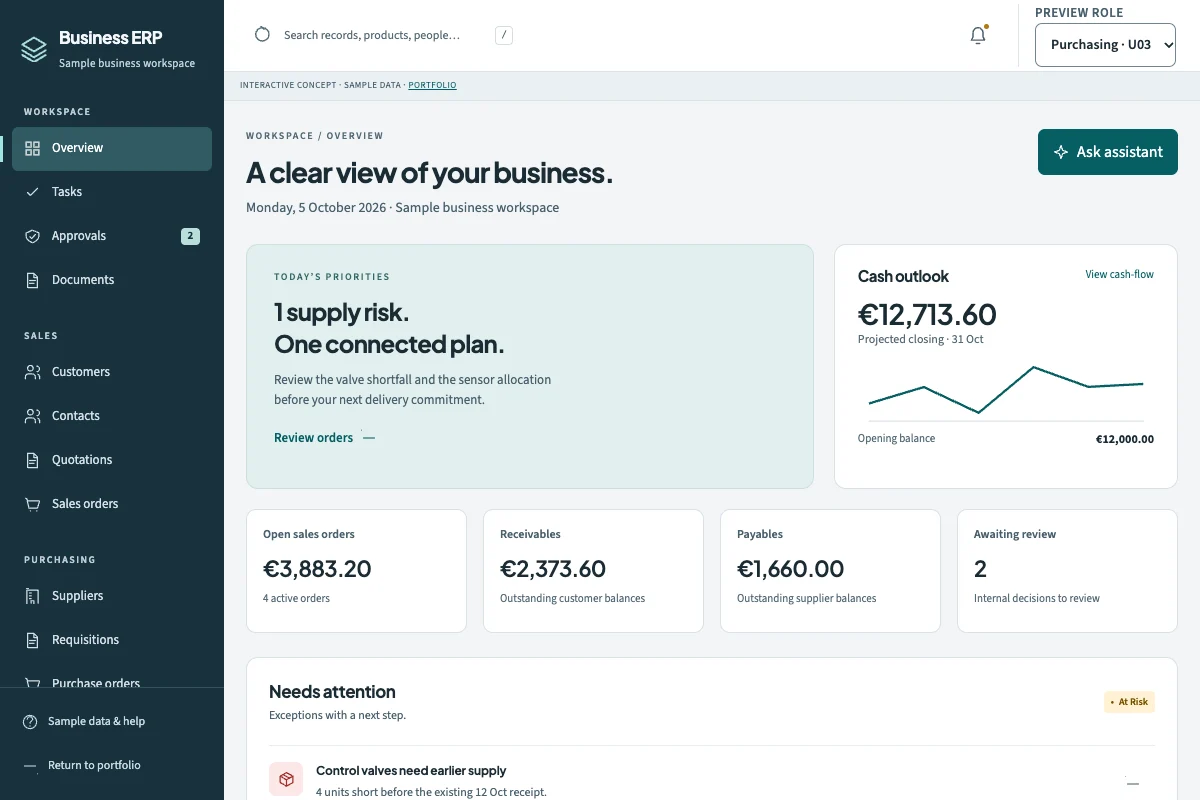
Explore the workspace
Business ERP
- Sales & customer records
- Purchasing & approvals
- Site inventory & movements
- Finance & payment matching
- People, work & documents
- Simulated assistant & audit
Changes stay in this browser. Connections, assistants and agents are simulated; no real orders, messages or payments are sent.
A useful place to start
- Inspect a blocked order and the related stock.
- Ask the simulated assistant to explain the shortage.
- Review its sources and create an internal purchase draft.
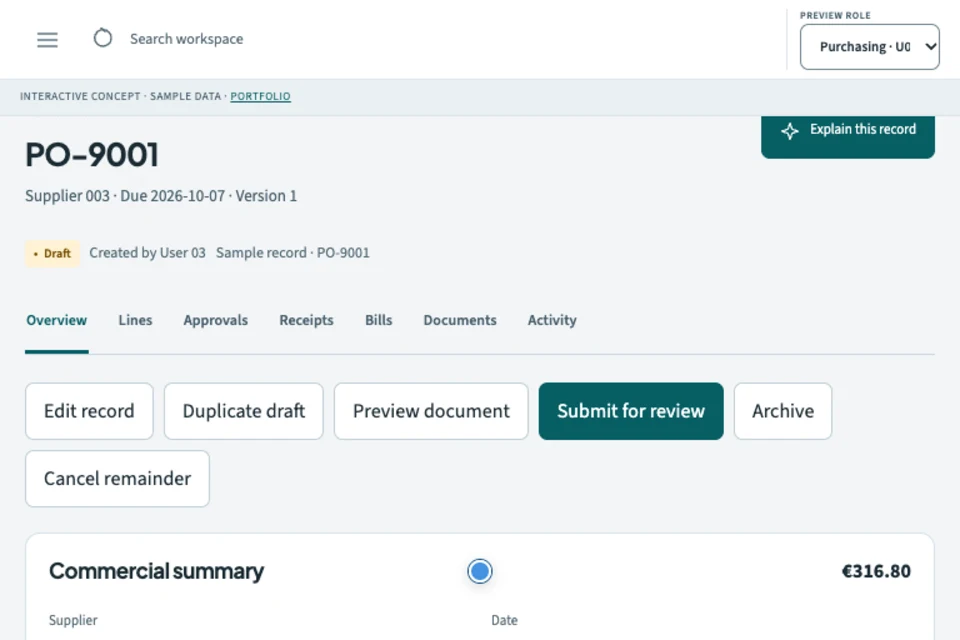
Build around your own workflow
Tell us how work moves through your business. We can shape a system around the people, decisions and handoffs involved.